
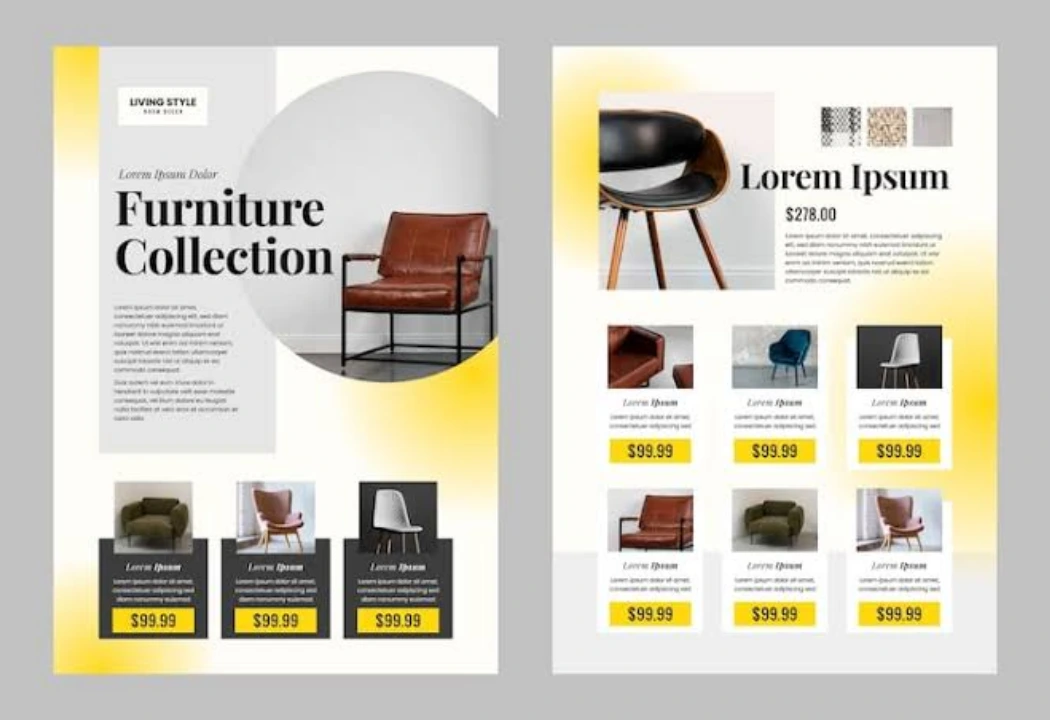
A product catalogue is more than a collection of product images and prices. It helps customers understand what a business offers, compare available options, and decide which products suit their needs. When organised properly, a product catalogue design can make the buying process easier while presenting the business in a professional and consistent way.
For businesses with multiple products, a well-designed catalogue can bring essential information together in one place. It can showcase product features, explain specifications, communicate pricing, and give customers a clearer picture of the available range. The same catalogue can also support sales meetings, product launches, exhibitions, and everyday customer communication.However, creating an effective catalogue requires more than placing photographs and descriptions on a page. Product selection, content organisation, typography, colours, image quality, and layout all influence how customers interact with the information.Whether a business is preparing a catalogue for furniture, clothing, electronics, food products, or industrial supplies, the goal remains the same: present products clearly and help potential customers make informed decisions.
What Makes a Product Catalogue Effective?
An effective product catalogue combines useful information with a clear visual structure. Customers should be able to find relevant products without searching through confusing layouts or reading unnecessarily long descriptions.
The first priority is understanding the audience. A catalogue intended for wholesale buyers may need detailed specifications, product codes, and pricing information. A catalogue designed for retail customers may benefit more from attractive photography, clear descriptions, and information about product uses.
Consistency also matters. Similar products should follow a recognisable layout, with headings, images, descriptions, and specifications appearing in predictable positions. This makes the catalogue easier to navigate and helps customers compare options.
Accuracy is equally important. Product names, dimensions, prices, colours, materials, and availability details should be checked before publication. Incorrect information can create confusion, affect purchasing decisions, and lead to unnecessary enquiries.
Finally, the catalogue should reflect the company’s brand identity. Consistent colours, typography, logo placement, and visual style help customers recognise the business across its marketing materials.
A successful product catalogue does not need to include every possible design element. It needs to communicate the right information in a format that is attractive, readable, and useful.
Essential Elements of a Product Catalogue
A professional product catalogue should include several key elements. The exact requirements depend on the industry, product range, and intended audience.
A Clear Cover Page
The cover creates the first impression. It should introduce the catalogue’s purpose and present the brand professionally.
Include the company logo, a relevant title, and a strong product image or visual arrangement. If the catalogue focuses on a particular collection, season, or product category, the cover can communicate that focus immediately.
Avoid overcrowding the cover with too many images, slogans, or unnecessary details. A clean design often makes the main message easier to recognise.
High-Quality Product Images
Product images help customers understand what they are considering. They can show appearance, colour, shape, texture, packaging, and important details that written descriptions alone may not communicate effectively.
Use clear, appropriately sized images that represent the actual products. Maintain consistent lighting, backgrounds, image quality, and cropping wherever possible.
For products with different finishes, sizes, or colours, consider showing variations separately when they influence the purchasing decision. Additional angles can be useful for items where shape, construction, or detail matters.
Accurate Product Information
Every product listing should provide the information customers need to evaluate the item.
Depending on the product, this may include:
- Product name and model number
- Short product description
- Available sizes, colours, or variations
- Materials and specifications
- Dimensions or weight
- Price or quotation information, where applicable
- Availability or ordering details
Not every product requires all these details. Focus on information that helps the intended customer understand the product and make a decision.
Clear Contact and Ordering Information
Customers need to know what to do after finding a product they like. Include relevant contact details, website information, ordering instructions, or calls to action.
For business-to-business catalogues, it may also be useful to explain how customers can request quotations, discuss bulk orders, or confirm product availability.
How to Organise Products and Categories
Product organisation can make a significant difference to the catalogue’s usefulness. Even attractive design cannot compensate for a structure that makes products difficult to find.
Start by grouping related products into logical categories. A furniture supplier, for example, might organise its catalogue into office chairs, desks, storage units, and meeting-room furniture. A clothing business could separate products by collection, garment type, or intended customer.
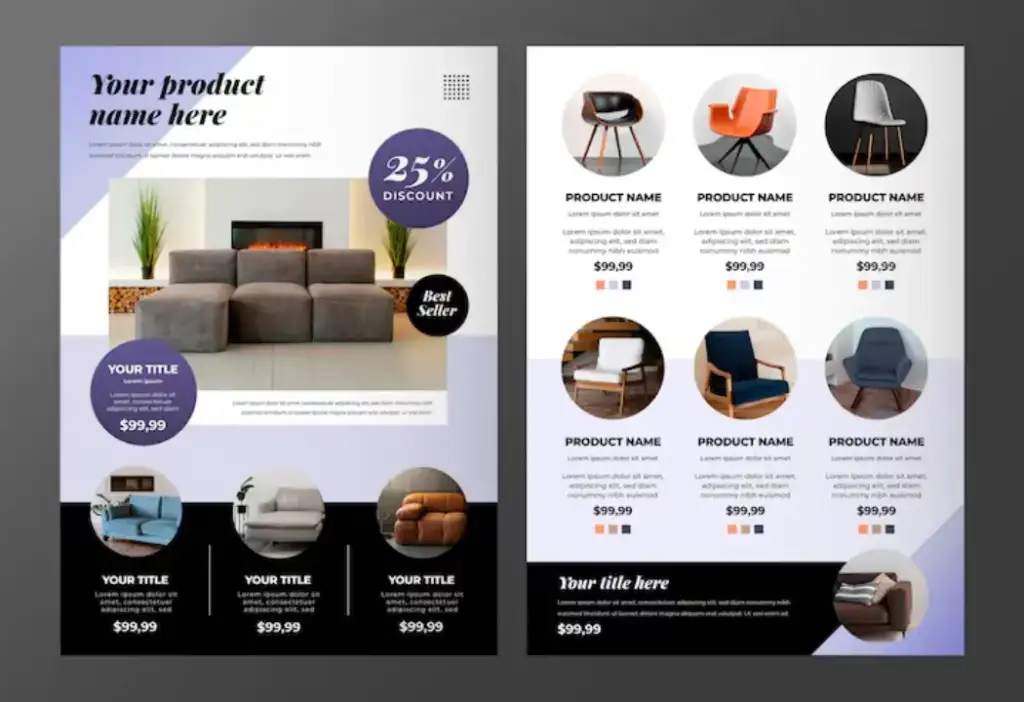
Choose categories that reflect how customers naturally search for products. Internal company departments or manufacturing processes may not be the most helpful way to organise information if customers think about products differently.
Use clear section headings and maintain a consistent order. If the catalogue contains many products, a table of contents or category index can help readers navigate directly to relevant sections.
Product codes can also be useful, particularly for businesses handling large inventories or repeat orders. Make sure each code is accurate and easy to associate with the corresponding product.
For products with multiple variations, present the available options in a structured way. A table may work well for dimensions, materials, or technical specifications, while a visual comparison can help customers understand differences in appearance.
The objective is to reduce the effort required to find and compare products. When information follows a logical structure, customers can spend more time evaluating suitable options and less time searching for basic details.
Choosing Product Images, Typography, and Colours
Visual design influences how customers perceive a catalogue and how easily they can understand its contents. The most effective choices support the products rather than compete with them.
Select Images That Represent the Products
Use images that show the product clearly and suit the catalogue’s intended purpose. Lifestyle photography can demonstrate how an item looks in a real setting, while clean product photography can make it easier to compare features.
Avoid stretching low-resolution images to fit large spaces. If different products use noticeably different image styles, the catalogue may feel inconsistent. Establish basic image guidelines before preparing the final layout.
Choose Readable Typography
Typography should make product information easy to scan. Use clear fonts for body text and distinguish headings through size, weight, or spacing.
Limit the number of typefaces used throughout the catalogue. Too many competing styles can make pages look inconsistent and distract readers from the products.
Body text should remain readable at the final viewing or printing size. Product specifications, prices, and essential details should not be reduced so much that customers struggle to read them.
Use Colours With Purpose
Colours should support the brand identity and help organise information. Brand colours can be used for headings, section dividers, icons, and other design details, while neutral backgrounds can help product images stand out.
Consider the products themselves when choosing page backgrounds and accent colours. A busy colour scheme may distract from detailed product photography, while excessive use of decorative elements can make the catalogue feel crowded.
A balanced combination of brand colours, whitespace, and clear typography usually creates a more professional result.
Businesses that want a consistent appearance across catalogues, brochures, and other printed materials can also benefit from following established brand identity guidelines.
Tips for Creating a Professional Catalogue
Once the content and product information are ready, several practical steps can improve the final catalogue.
Plan the layout before designing individual pages. Establish a basic template for product listings, category introductions, and specification tables. This helps maintain consistency and reduces repetitive design work.
Prioritise important information. Customers should be able to identify product names, images, and key details quickly. Use headings and spacing to establish a clear reading order.
Leave enough whitespace. Every page does not need to be filled with text and images. Space between elements improves readability and prevents the design from feeling crowded.
Check product details carefully. Review names, codes, prices, dimensions, descriptions, and contact information before final approval. For catalogues with many products, a structured proofreading process can help catch errors.
Consider the intended format. The design should suit the catalogue’s actual use. A catalogue intended for printing needs appropriate image resolution, page dimensions, margins, and print-ready settings. A file intended for online viewing should remain easy to read on common screens.
Use a consistent design system. Repeated layouts, clear typography, and a coordinated colour palette make the catalogue easier to follow. The design should support the product range rather than introduce unnecessary variation.
Frequently Asked Questions
What should a product catalogue include?
A product catalogue typically includes a cover page, product images, names, descriptions, relevant specifications, categories, and contact or ordering information. The exact content depends on the products and the needs of the intended audience.
How many products should a catalogue contain?
There is no fixed number. A catalogue should include the products relevant to its purpose while keeping the layout readable. A small collection may need only a few pages, whereas a large product range may require a more detailed structure and category index.
How can a product catalogue help a business?
A catalogue can help businesses present their products clearly, provide customers with useful information, support sales conversations, and make product comparisons easier. Its value depends on the accuracy of the content, the quality of the design, and how effectively it serves the audience.
Why is product photography important in catalogue design?
Product photography helps customers understand a product’s appearance, details, and variations. Clear, consistent images also make the catalogue more attractive and help readers compare different options.
Conclusion
A well-designed product catalogue helps businesses present their products in a way that is clear, organised, and visually appealing. From selecting appropriate images to writing useful descriptions and arranging categories logically, every element should make the customer’s decision-making process easier.
The strongest catalogues balance attractive presentation with accurate, practical information. Consistent branding, readable typography, organised product listings, and carefully checked details can make the document more useful for both customers and sales teams.